

cortex, gives you an interactive TUI with a live timeline and approvals, one-shot runs from your own shell, and a headless mode for scripts and CI. It uses the same account and the same Code sessions as the web and desktop apps, runs on the Cloud runtime by default, and never runs the model on your laptop.
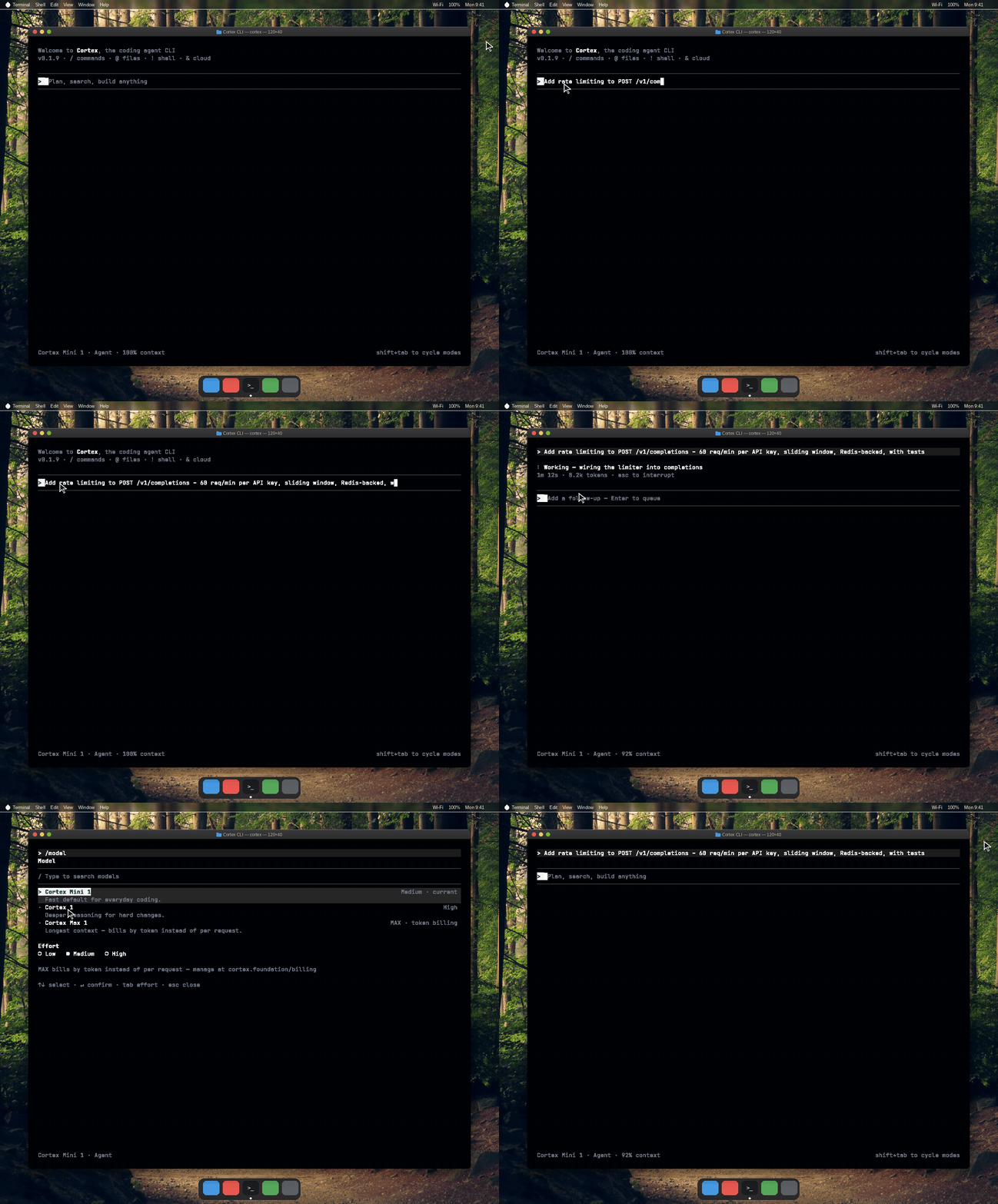
The CLI in a macOS Terminal: splash, a prompt, the slash palette, the model picker, and a Shell tool row. A generated desktop demo of the shipped TUI, not a live recording. The stills on the pages below are headless renders of the same chrome.
Install in one line
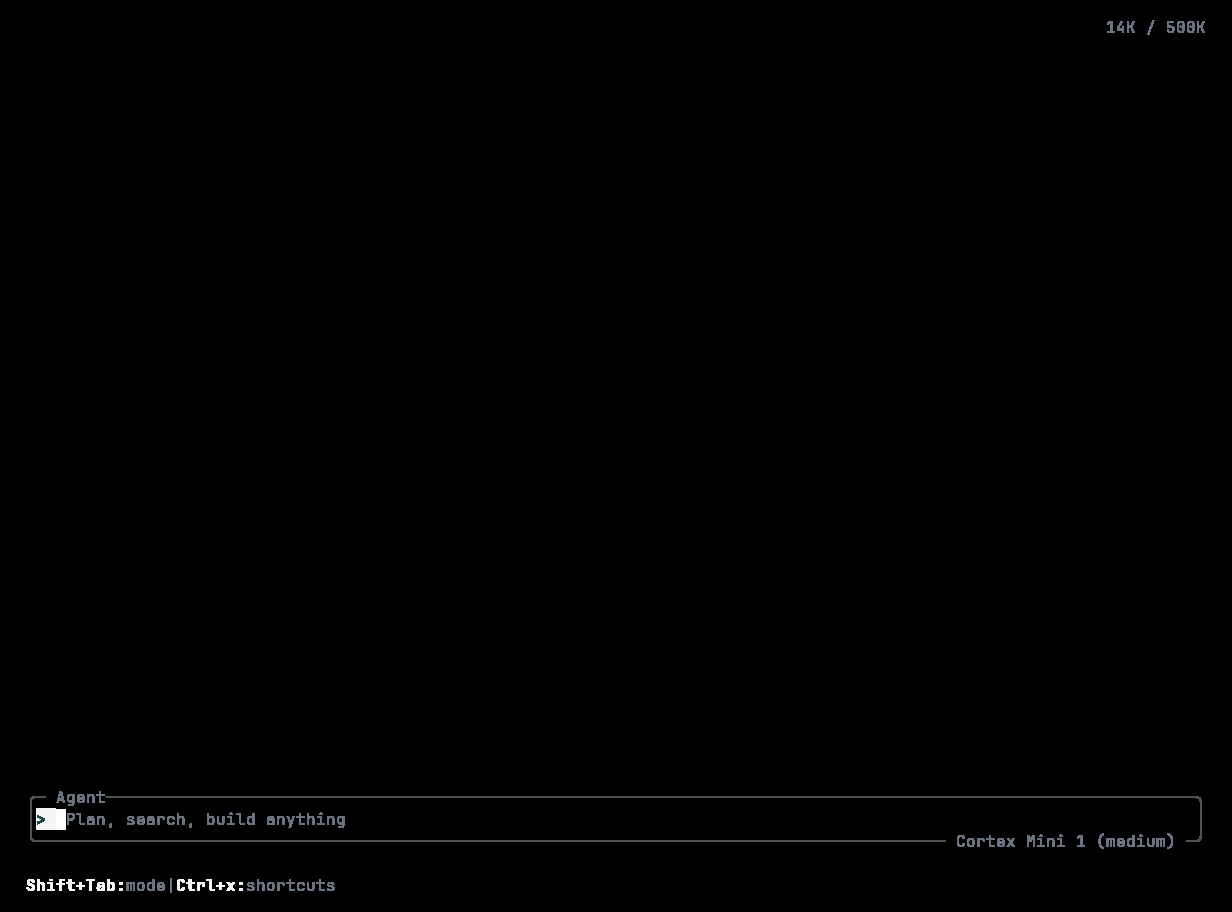
The shipped session chrome: the Agent composer with its dual hairline, the model chip Cortex Mini 1 (medium) on the border, and the footer hints. Mouse hover is supported.
What one binary gives you
Guides
Install
Installer, checksums, version pins, channels,
cortex upgrade, uninstall.Sign in
cortex login in a browser, device code for headless machines, API keys for CI, the OS keyring.Quickstart
First session,
AGENTS.md, choosing autonomy.Headless runs
cortex exec and cortex run in scripts, GitHub Actions, GitLab CI.Configuration
config.toml, profiles, environment variables, data locations, hosts.Extend
MCP servers, skills, agents and subagents, hooks, plugins, themes.
In the terminal
The rest of the CLI reference lives in the sidebar under this tab:Conventions on these pages
- Commands are written
cortex …. The installed binary isCortex; the installer addscortexandagentsymlinks, and both spellings work on case-insensitive filesystems. - Everything documented here is backed by the shipped CLI.
cortex --helpandcortex <command> --helpare generated from the same definitions and are always authoritative. - The CLI talks to the Cortex API at
api.cortex.foundation. Releases are published tosoftware.cortex.foundation. - Source and issues: github.com/CortexLM/cli, Apache-2.0.
Next
- Install the CLI — checksums, version pins, and channels.
- Sign in — the browser flow, device codes, and CI keys.
- CLI quickstart — a working Code session in the terminal.
- Modes and permissions — decide how much the agent may do.