

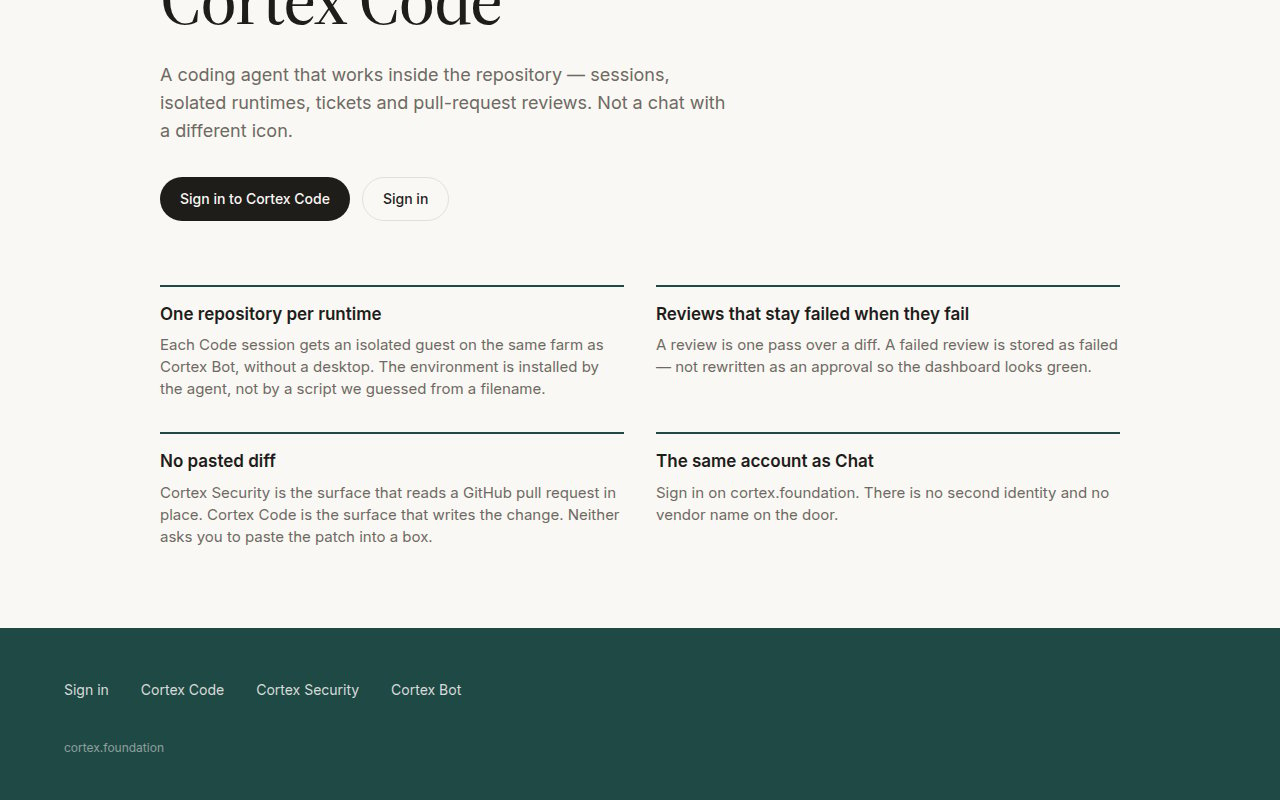
The four commitments on the public Code page: one repository per runtime, reviews that stay failed when they fail, no pasted diff, the same account as Chat.
What Code is
Who can open it
Code is a member surface. A guest visiting/code sees the public product page, and deep links show This space is reserved with Continue in Chat or Sign in. Once signed in, /code opens Code Home: connect GitHub, pick a repository, start a session. See Accounts.
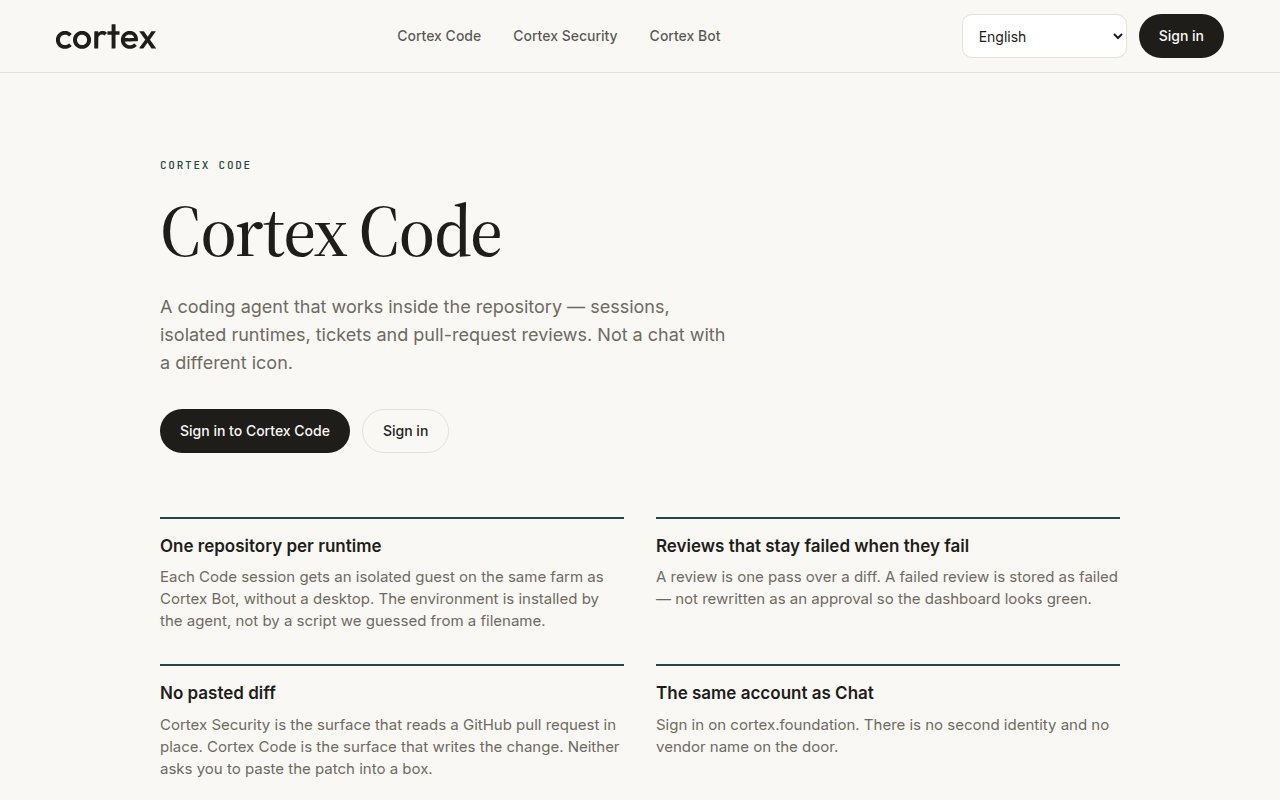
cortex.foundation/code — the public product page a guest sees. Sign in to open the working UI.
Start here
Quickstart
Sign in, connect GitHub, start a Cloud session, review the timeline.
Sessions
A timeline of the work — files read, edits, commands, plans.
CLI
The same Code sessions from your terminal, scripts, and CI.
Where it runs
Modes in one line
Ask reads and explains. Plan proposes without changing anything. Agent edits files and runs commands. Pick per turn; the session row holds the default. See Ask, Plan, Agent.Core guides
Sessions
A session is a timeline of the work — files read, edits, commands, plans — with Stop always one click away.
Ask, Plan, Agent
Choose how much a turn may change. Ask reads, Plan proposes, Agent edits and runs.
Connect GitHub
Reach repositories through Connect GitHub. No pasted tokens; Reconnect when a grant lapses.
Cloud runtimes
One isolated guest per session on the same farm as Bot, prepared by the agent.
Desktop and terminal
Code on desktop
This PC and SSH hosts exist on the desktop app and the CLI. The browser stays Cloud-only.
Code in the terminal
How the CLI maps onto Code sessions, and where the full CLI documentation lives.
What Code is not
Advanced
- Cortex Security — GitHub App pull-request review that stays failed when it fails.
- How Code works — workspace tools execute inside the attached guest; modes withhold mutating tools.
- Code troubleshooting — gates, Reconnect, Cloud availability, and what a failed review means.
- Security and privacy — what Cortex stores and where code runs.
Next
- Code quickstart — sign in, connect GitHub, start a Cloud session.
- Sessions — read the timeline.
- Ask, Plan, Agent — decide how much a turn may change.
- Code in the terminal — the same sessions from the CLI.