

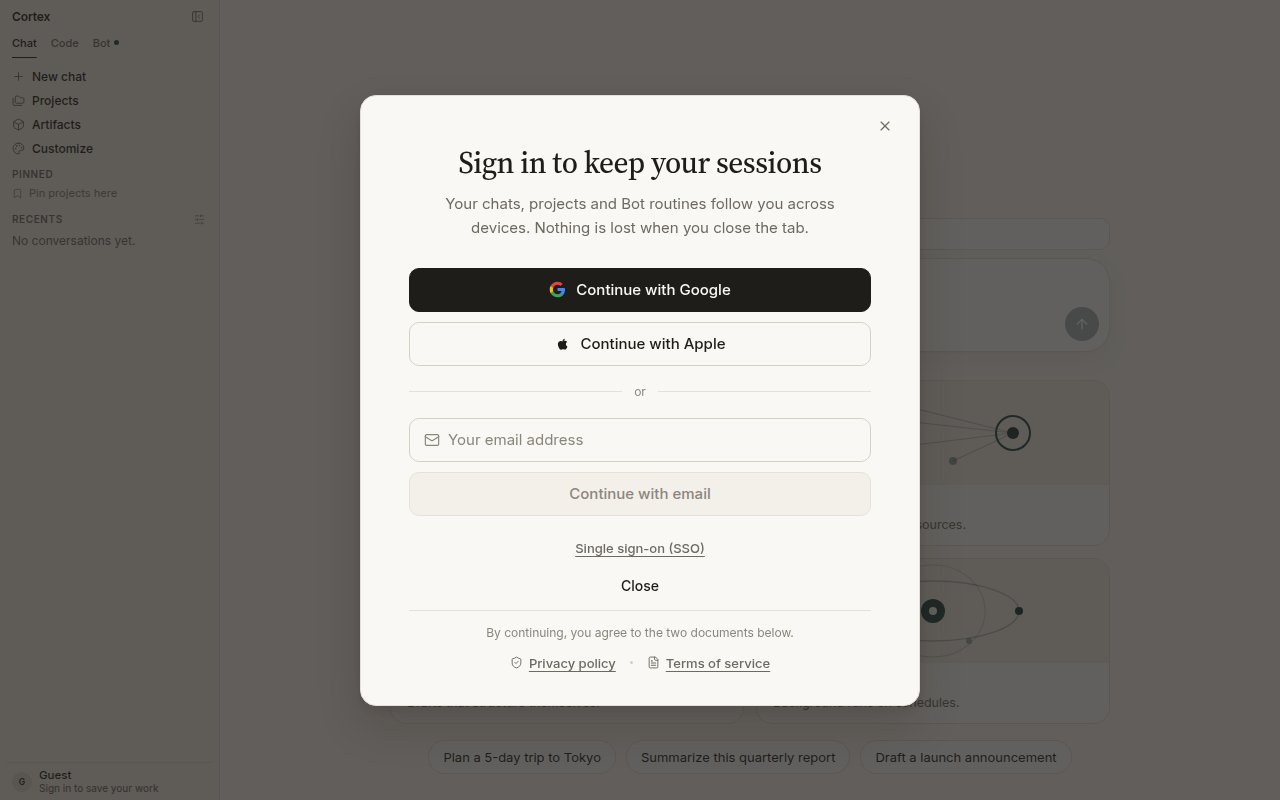
The sign-in dialog. Chats, projects, and Bot routines follow a signed-in account across devices.
Guest and member
A guest is anyone using Chat before signing in. A member is a signed-in account.
The rule behind the table: a guest cannot create anything it could not come back to revoke. That is why a guest cannot connect an app, hold a GitHub grant, or own a bot.
The guest allowance
The banner above the composer shows the live number — at the time of writing, 100 messages today and 500 this month, with reset timers under Settings → Plan & billing. Guest chats live in the browser session; sign in before you close the tab if you want to keep them.Ways to sign in
The dialog offers Continue with Google, Continue with Apple, an email address, and Single sign-on (SSO) for organisations. Whatever you choose, it is one account: the web app, the desktop app, the Bot desktop app, and the CLI all recognise it. The CLI signs in from the terminal withcortex login, which opens the browser flow; machines without a browser use a device code. See CLI sign-in.
After you sign in
- Chat keeps your conversations, projects, Library, memory, and plans across devices.
- Code opens the working UI at
/codeinstead of the guest gate. Connect GitHub from Code Home or Settings → Integrations. - Bot opens the setup form on first visit, then your list of bots in the sidebar.
- Settings → Account switches from “You’re browsing as a guest” to your account controls.
Your data
Settings → Data & privacy holds export and deletion. Signed-in members confirm with an authenticator app first. Deletion takes effect within 30 days. What Cortex stores: your account details, conversations and attachments while history is on, saved memories, and billing records. The content of connected apps is read at question time and discarded — it is never stored. See Security.Cortex Chat is per account, not a shared workspace. There is no teammate invite on a thread. See Sharing and teams.
Troubleshooting
Next
- Plans and quotas — what each plan includes and how limits behave.
- Settings — theme, language, models, privacy, billing.
- Sharing and teams — what is per account, and where team features live.
- CLI sign-in — the terminal side of the same account.