

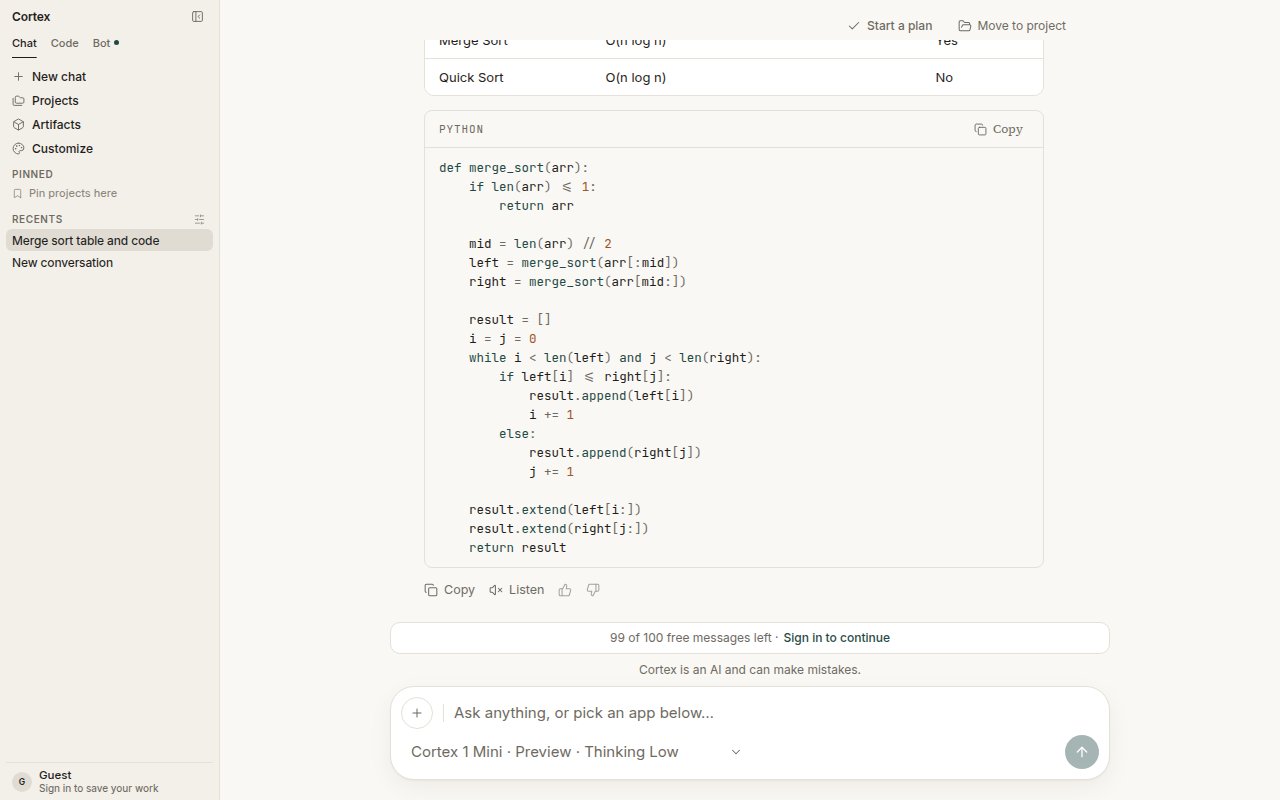
Under every reply: Copy, Listen, and feedback. Listen is present because this deployment can speak.
The controls
If a control is missing, that capability is switched off for this deployment. There is nothing to configure on your side, and it is not a broken button.
Dictation fills the composer; it does not send the turn. Read what landed there, fix a word if the transcript misheard it, and press Enter yourself. Listen appears under a finished reply, alongside Copy and the feedback controls — see Streaming for the phases that come before it.
Where voice lives
Chat’s voice controls are the only place these capabilities appear. A session in Code, a bot’s conversation, and a terminal session have no equivalent.
Language
English is the source of truth for spoken and written copy. The interface can be localized under Settings → General → Language; model prompts stay in English. See Settings.Related
- Streaming — answers arrive as text before you can listen to them.
- Chat troubleshooting — a missing mic or Listen control.
- Troubleshooting — what missing controls mean.