

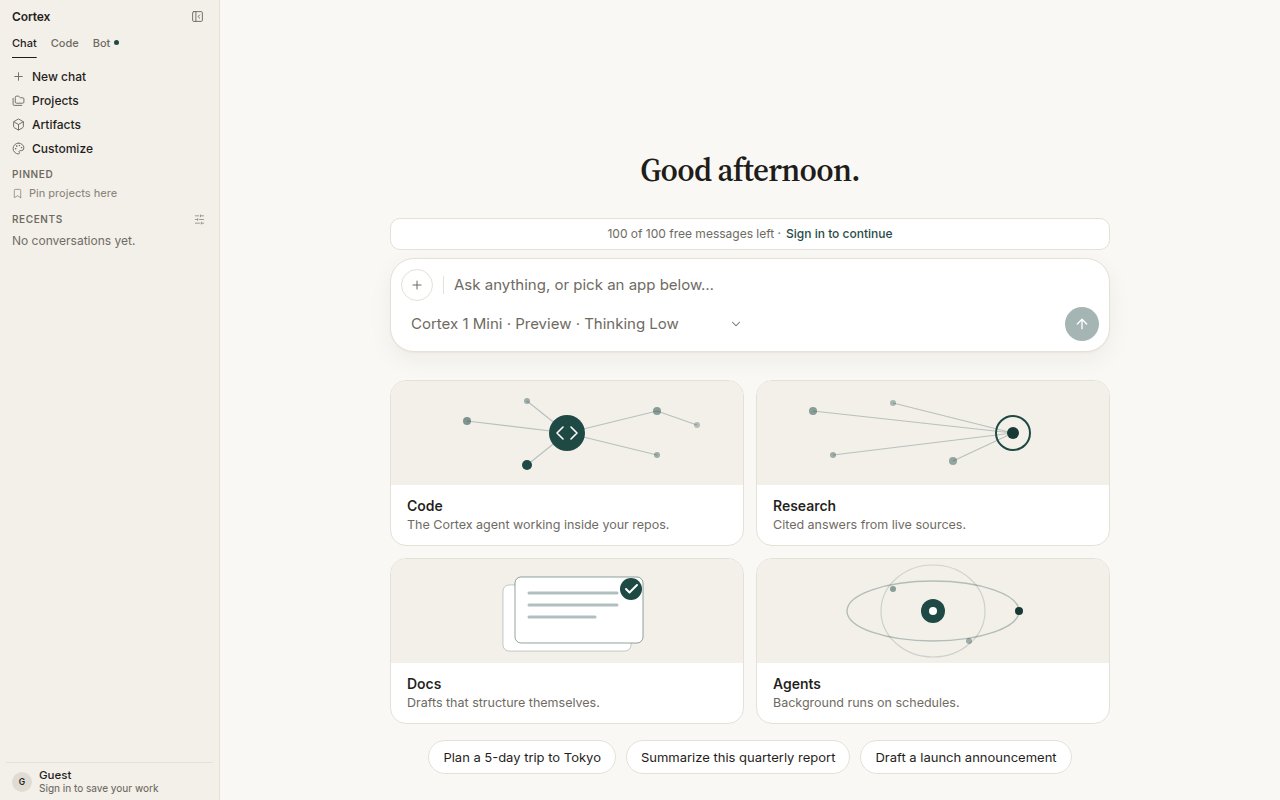
The model chip opened: two preview models, the Thinking level, and the Deep Research toggle.
What you can pick
The composer model chip is a Chat control. Web Code has no model picker; the CLI has its own
/model picker with the same family under English names (Cortex Mini 1, Cortex 1, Cortex Max 1) — see CLI modes.
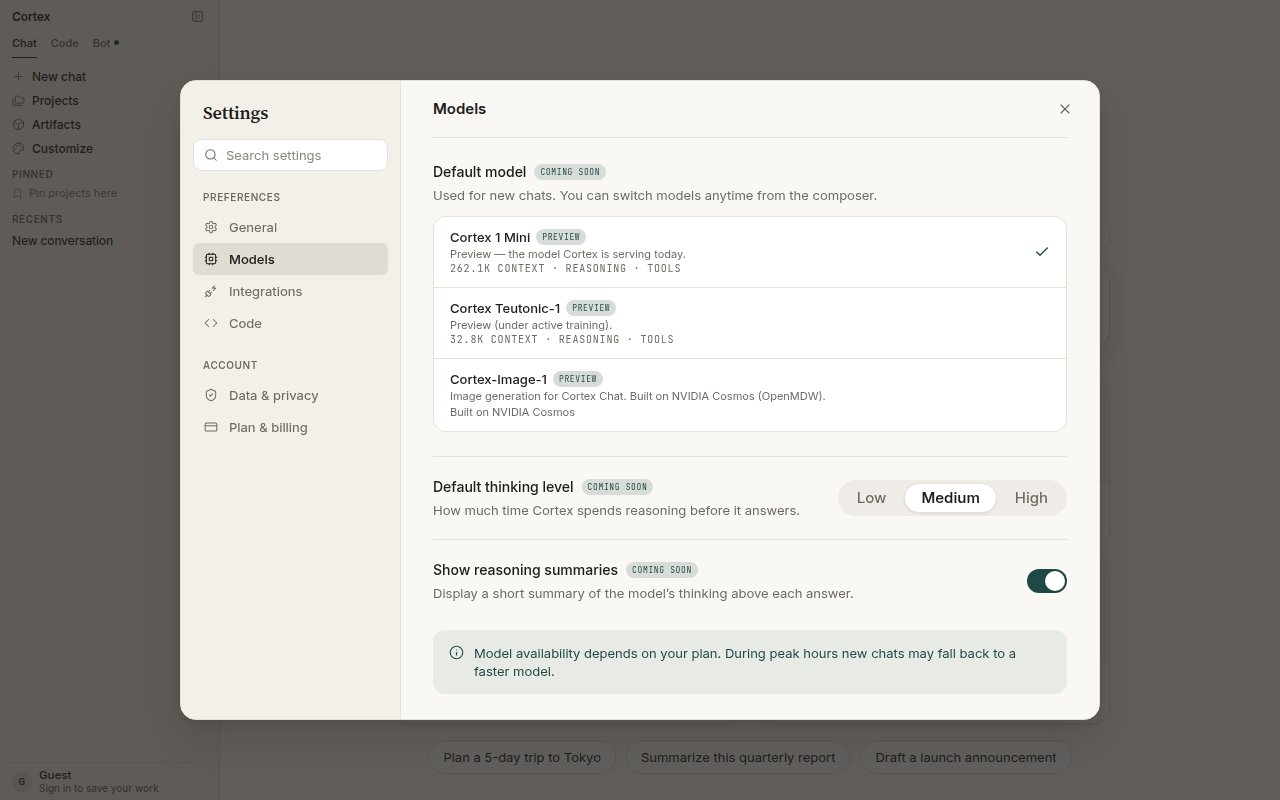
Settings → Models lists the same models with their context windows and capabilities.
Thinking level
Low, Medium, or High. Higher thinking spends more time before answering and suits multi-step reasoning, careful writing, and anything where a wrong first draft is expensive. Low is right for quick questions. The level is per conversation; a saved default under Settings → Models is marked coming soon. Show reasoning summaries (also coming soon in Settings) displays a short summary of the model’s thinking above each answer.Deep Research
The toggle at the bottom of the chip turns a conversation into a research run: plan the questions, read live sources, and write a cited report. It is a Chat feature only. See Deep Research.How a turn uses the model
- You pick the model on the conversation.
- Chat assembles the prompt — your message, attachments from Library, memory, project instructions, tool results — and clamps generation so prompt plus output fit the model’s context window.
- The model runs the tool loop until it stops or reaches Chat’s round budget. See How Chat works.
Availability and peak hours
Model availability depends on your plan. During peak hours new chats may fall back to a faster model; the chip always tells you which model is serving the conversation. Go and higher plans get priority when the fleet is busy — see Plans.What this page is not
There is no public inference API on this site. Model names here are product names inside Cortex Chat, not endpoints. See Coming soon.Related
- Streaming — tokens as they arrive.
- Settings — defaults for new chats.
- Plans and quotas — quotas fail closed.